Campus Safety Resources Every Student Should Know
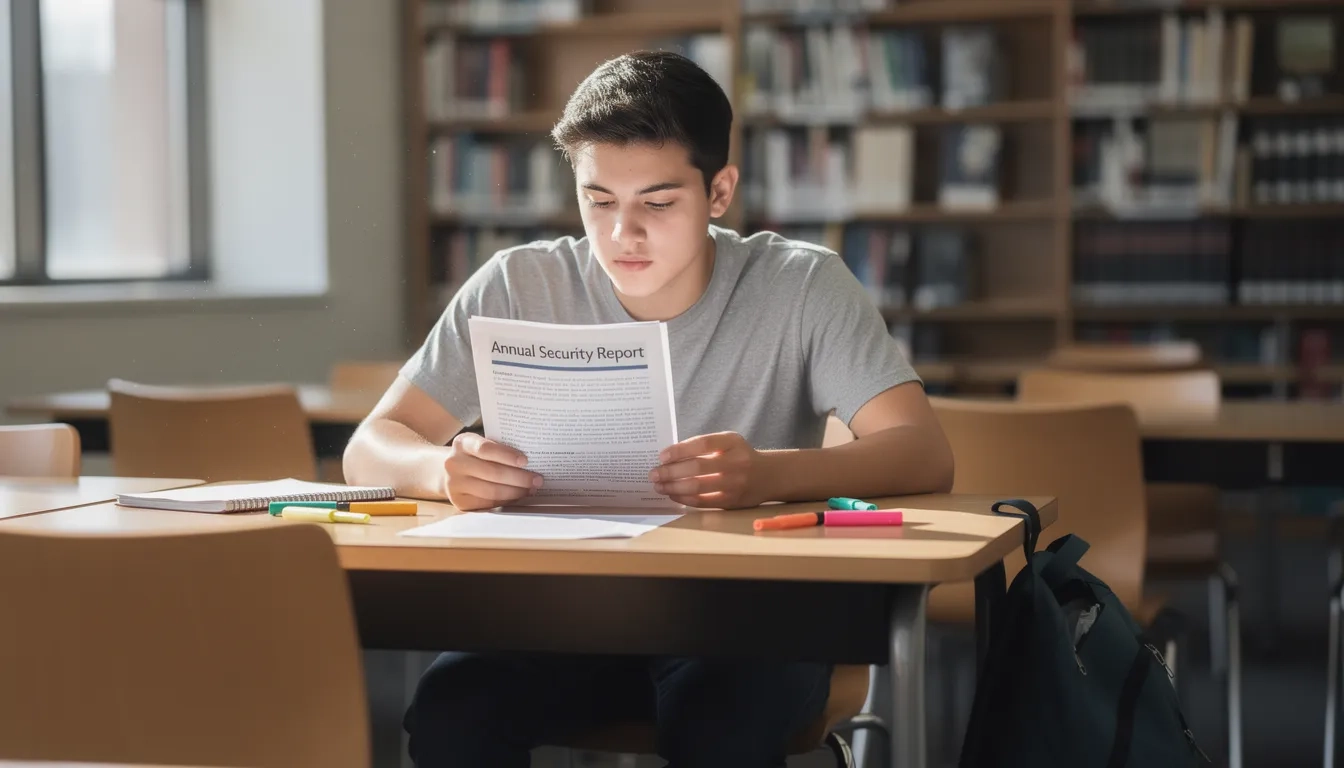
Most students spend months agonizing over which college to attend and zero minutes reading the one document their school is legally required to publish about campus crime. That document — the Annual Security Report — is free, public, and almost certainly sitting on your school's website right now. And virtually nobody reads it before something goes wrong.
That gap between what's available and what students actually use runs through all of campus safety. The resources are genuinely good at most schools. People just don't know about them.
The Annual Security Report: Your School's Crime Record
The Clery Act is a federal consumer protection law requiring every college that receives federal financial aid to publicly disclose campus crime statistics and safety policies. It was named after Jeanne Clery, a Lehigh University freshman who was raped and murdered in her dorm room in 1986. Her parents turned their grief into legislation that passed in 1990 and has been updated several times since.
Every October 1st, your school publishes a new Annual Security Report covering the previous three calendar years. The data covers criminal offenses, hate crimes, domestic violence, stalking, and — starting in 2025 — hazing incidents, after Congress passed the Stop Campus Hazing Act in December 2024.
Most students, if they look at the report at all, skip straight to the crime numbers. That's backwards. The policy sections — how the school handles assault reports, whether victims can request room transfers or course changes, what confidential reporting channels exist — tell you far more about actual campus safety culture than raw incident counts. Read both parts.
Your right to this information isn't a courtesy — it's federal law. Any school that claims the report isn't publicly available is in Clery Act violation.
The U.S. Department of Education maintains a searchable database at ope.ed.gov/campussafety where you can compare crime statistics across schools. Worth bookmarking before you enroll, not after.
Emergency Alerts: Opt In or Miss Out
Here's what surprises most new students: at many schools, emergency alert enrollment isn't automatic. You have to log into your student portal, add your cell phone number, and enable text notifications. The default setting is often email-only. That's a serious problem at 2am when your laptop is closed.
Campus emergency systems send two legally distinct types of alerts under the Clery Act:
- Timely Warnings — issued after a crime that poses an ongoing threat to the campus community (a suspect still at large, for example). These are retrospective: something happened, be careful.
- Emergency Notifications — issued for immediate life-safety situations like active threats, severe weather, or a gas leak. These say: take action right now.
The practical difference matters. Timely Warnings help you adjust behavior. Emergency Notifications require immediate response.
Check your student portal at the start of every semester. Confirm your cell number is current and texts are enabled. Schools using platforms like Rave Mobile Safety or Omnilert also offer standalone safety apps with push notifications, which connects directly to the next section.
Campus Safety Apps That Actually Work
Your school almost certainly recommends one specific app. Start there, because campus-integrated apps connect directly with your campus police department in ways generic safety apps don't.
| App | Cost | Standout Feature | Works Off-Campus? |
|---|---|---|---|
| Rave Guardian | Free | Guardian timer + direct campus police line | Limited |
| LiveSafe | Free | GPS-coordinated tips + patrol officer map | Partial |
| Noonlight | Free trial, then $4.99/mo | Human dispatcher responds in seconds | Yes |
| Life360 | Free tier available | Family location sharing + crash detection | Yes |
Rave Guardian's guardian timer deserves special attention. Set a countdown before walking home. If you don't check in by the deadline, a dispatcher is automatically notified — no button press required, no fumbling with a screen.
Noonlight works differently. Hold a button. Release it without entering your PIN and a dispatcher calls within seconds. No answer, and emergency services go to your GPS location. The $4.99 monthly cost (after a 30-day trial) feels like a barrier until you realize that's less than a coffee.
One rule that applies to every app: download and configure it before you need it. Enable location permissions. Save your campus non-emergency police line as a contact (this is separate from 911, used for situations that need a response but aren't immediate emergencies). You don't want to be figuring out settings at midnight.
Escort Services, Blue Light Phones, and Safe Rides
These are the most underused resources on any campus. Not because students don't want safety, but because asking feels like admitting you can't handle something. That instinct is exactly wrong, and these programs exist specifically to be used.
Campus escort programs — often called Safe Walk or Night Owl — let you request a security officer or trained student volunteer to walk with you anywhere on campus. Most run until 2am or later. Call or text a dispatch number; someone meets you within 10-15 minutes. Many schools now offer virtual escort options where a dispatcher stays on the phone until you're safely indoors.
Safe ride programs are equally underutilized. Some campuses run late-night shuttles. Others provide rideshare vouchers covering trips within a set radius. These programs exist because late-night walks across a spread-out campus carry real risk — especially during what SafeWise's campus safety research calls the Red Zone, the August-through-November stretch when roughly half of annual campus sexual assaults occur.
Blue light phones still matter even in the smartphone era. The University of Southern California's Department of Public Safety maintains 352 of them across their Los Angeles campus, each tested regularly and mapped online. Yes, everyone has a phone. But when yours is dead, stolen, or you're too panicked to navigate a touchscreen, one button on a bright blue pole that connects directly to campus police is exactly what you need.
Mental Health and Crisis Resources
Campus counseling centers at large universities often have wait times of three to six weeks for a regular therapy appointment. But crisis support operates on a completely different timeline — it's designed to be immediate, and most students don't know how to access it until they're already in the middle of something difficult.
The two fastest options nationally:
- 988 Suicide and Crisis Lifeline — call or text 988, free, 24/7, confidential. This line covers any mental health crisis, not just suicidality.
- Crisis Text Line — text HOME to 741741. A trained counselor typically responds within a few minutes.
Your campus counseling center also almost certainly has an after-hours crisis line with a different number than the main appointment line. Find that specific number now. Save it in your phone before a rough night, because searching for resources during a crisis adds friction at exactly the wrong moment.
Many universities now partner with TimelyCare, a telehealth platform operating at over 300 campuses that gives students on-demand mental health support outside regular business hours. If your school offers it, TimelyCare shows up in the campus health portal or student app.
The elephant in the room: mental health crises are campus safety events. Use a crisis line the same way you'd use a blue light phone. Both are free infrastructure that exists for you.
Cybersecurity: The Safety Risk Nobody Mentions at Orientation
Physical crime gets the orientation speech. Cybersecurity usually gets a two-slide PowerPoint nobody remembers. But your student accounts hold significant sensitive data — Social Security numbers, financial aid records, academic transcripts, stored payment methods — and that information is actively targeted.
According to identity fraud research, the average cost of resolving a student identity theft case, factoring in credit damage, dispute time, and financial losses, runs well above $23,000. That number gets people's attention.
Three habits that meaningfully reduce your exposure:
- Enable multi-factor authentication on every school account, especially your student portal and financial aid login. Most schools require it but not all enforce it across every system.
- Never access banking or financial accounts on unencrypted campus WiFi. Use your cell data or a VPN for anything sensitive.
- Know your school's IT security incident reporting process. If you receive a suspicious email or suspect your account was compromised, contact the IT security team fast — not just the general help desk.
CommunityCollegeReview.com's 2025 campus safety guide ranked cybersecurity threats as the top concern among campus safety professionals, above physical crime. That ranking should inform how seriously students take their digital hygiene.
Your 7-Step Safety Setup
None of these steps take long individually. The whole setup takes roughly 37 minutes the first time. The entire point is doing this before something happens, not after.
- Download your Annual Security Report. Find it on your campus safety website. Read the policies section, not just the crime numbers.
- Confirm emergency alert enrollment. Log into your student portal. Make sure your current cell number is there and text alerts are active.
- Download the campus safety app. Enable location permissions. Run through the guardian timer feature at least once so you know how it works.
- Save three numbers: campus police non-emergency line, your campus counseling center's after-hours crisis line, and 988.
- Identify two or three blue light phone locations on your usual campus routes. Most campus maps mark them.
- Find escort and safe ride program details. Get the dispatch number or app access point and save it.
- Enable multi-factor authentication on all school accounts.
Repeat steps 2 and 3 at the start of every semester to keep contact information current. That's the whole system.
Bottom Line
- Read your Annual Security Report before anything else — specifically the policy section. How your school responds to incidents tells you more than the crime stats do.
- Opt into emergency text alerts now. The default is often email-only. Five minutes in your student portal can mean the difference between getting notified at 2am and finding out the next morning.
- The escort service is the most underused resource on most campuses. It's free, it's designed to be used, and "not wanting to bother anyone" is exactly the wrong reason to skip it.
- Set up your safety apps, save your crisis numbers, and check your cybersecurity settings once per semester. It's a small habit with a meaningful return.
Campus safety isn't something you prepare for once at orientation and forget. It's a small set of habits that take less than an hour to build — and that you'll be glad you built.
Frequently Asked Questions
Is campus crime actually a serious risk, or is it overstated?
Campus crime rates are lower than in surrounding communities for most offense types — fewer than 17 crimes per 10,000 full-time students were reported nationally in recent data. But sexual assault is significantly underreported, which means official statistics understate actual incidence. Risk also varies by campus type, location, and time of year.
Where can I find my school's Annual Security Report?
Go to your campus safety or public safety office website and search for "Annual Security Report" or "Clery Report." You can also use the federal searchable database at ope.ed.gov/campussafety to look up crime statistics for any school receiving federal financial aid. Schools are required to provide the report on request.
Do I need to pay for a safety app, or are free options good enough?
Free options are genuinely solid starting points. Rave Guardian is free and integrates directly with campus police at many schools, which matters more than premium features. Noonlight's paid tier is worth considering if you regularly travel off-campus, since it provides 24/7 dispatcher coverage in areas where campus police don't have jurisdiction.
What's the "Red Zone" and should I be concerned about it?
The Red Zone refers to August through November — the first stretch of the academic year when campus sexual assault rates are statistically higher than at other times. Freshmen and sophomores face elevated risk compared to upper-class students, and most assaults involve someone the victim already knows. Awareness of this pattern isn't about fear; it's about knowing when peer support and situational awareness matter most.
My school's counseling center has a long wait list. What do I do in a mental health crisis?
Crisis support bypasses the wait list entirely. Call or text 988 for immediate, free, confidential support — it covers any mental health crisis, not just suicidal thoughts. Text HOME to 741741 for the Crisis Text Line. Your campus counseling center also has a separate after-hours crisis number; find and save it before you need it.
What should I do if I witness something suspicious on campus?
Use your campus safety app's anonymous tip line — both Rave Guardian and LiveSafe have one — or call the campus police non-emergency number directly. For anything requiring immediate response, call 911. The non-emergency line exists specifically for situations that need attention but aren't actively unfolding emergencies, keeping 911 clear while still getting the right people involved.
Sources
- The Clery Act — Clery Center
- Campus Safety and Security Data Analysis Cutting Tool — U.S. Department of Education
- Community College Campus Safety Guide 2025 — CommunityCollegeReview.com
- College Campus Safety Measures in 2025 — University of Bridgeport
- Safety Apps for College Students — The Scholarship System
- Campus Safety Apps for College Students — College Parents
- College Safety Guide — SafeWise
- 40 Student Crime Statistics — Research.com