Best Budget Apps for Students 2026: Ranked by Real Usefulness
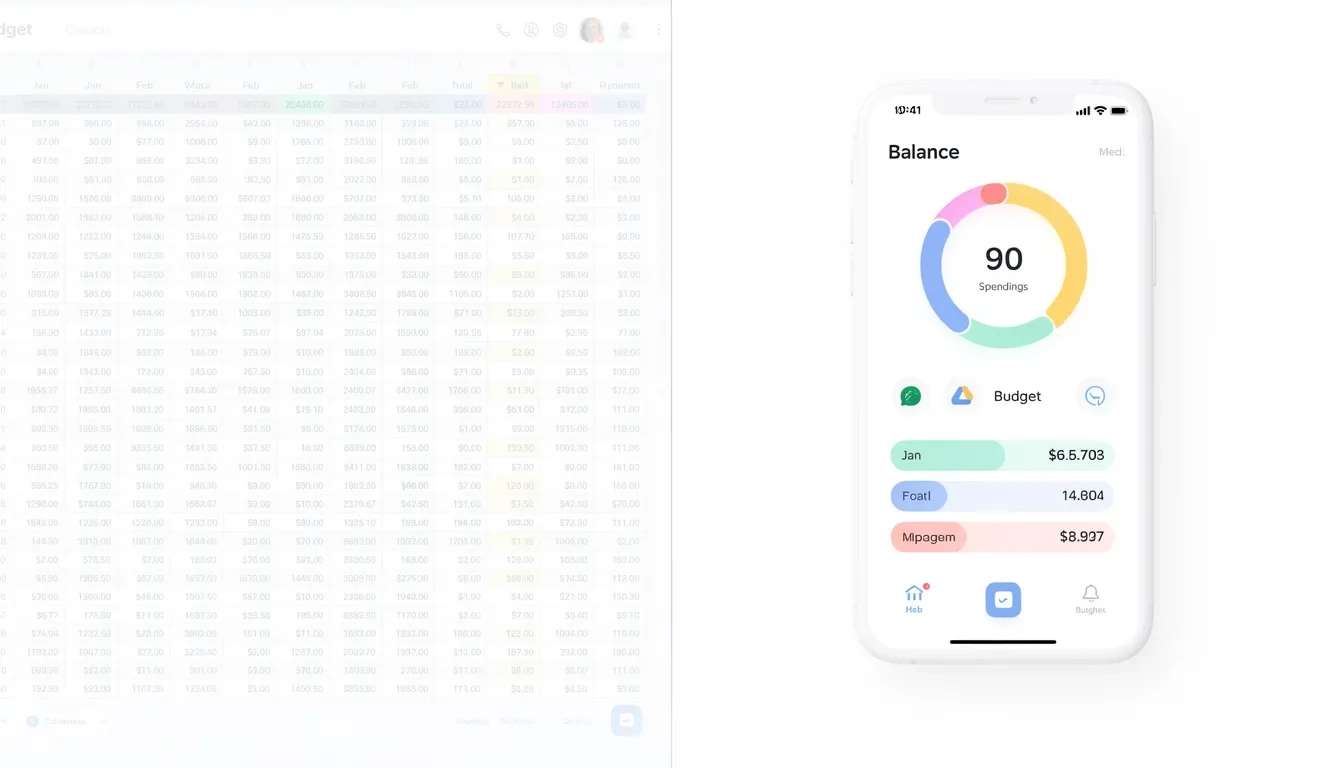
Seven out of ten college students report chronic financial stress, according to Ohio State University's National Financial Wellness Study — and that figure has barely moved in years. A 2025 College Ave survey of 1,060 undergrads added a sharper edge: 61% said college cost more than they expected, and only 43% had enough money left to participate in activities they actually enjoyed.
Here's the part that stings. Ninety-three percent of those students say they budget. The gap between "I budget" and "I'm financially stable" is mostly explained by one thing: the tools don't match how student life actually works.
Why a Budget App Actually Changes Behavior
The difference between a spreadsheet and a budget app is the difference between a rearview mirror and a dashboard. A spreadsheet records what already happened. A budget app tells you — before you swipe — exactly how much you can spend right now without blowing your rent category next week.
Research in the Journal of Consumer Psychology suggests that mentally separating money into specific categories (groceries, rent, going out) reduces impulsive purchases more reliably than monitoring a single lump-sum balance. This is why envelope-style budgeting apps outperform simple expense trackers for people actively trying to cut back.
Students also face a cash flow pattern that most financial tools aren't designed for. Financial aid hits once per semester. Work-study deposits arrive biweekly. Textbook costs spike in August and January. The apps worth your time in 2026 account for lumpy, irregular income — not the tidy monthly paycheck that generic software assumes you have.
Match Your Budgeting Style Before Picking an App
Answer one honest question before downloading anything: will you actually enter transactions manually, or will you forget unless the app pulls them automatically?
Manual entry apps create mindfulness. Every logged purchase is a small moment of awareness — that friction slows spending. But they require consistency. Fall three weeks behind and you have useless junk data instead of a budget.
Auto-sync apps reduce effort. They pull directly from your bank, categorize automatically, and surface patterns without you doing anything. The risk: they become a passive report you glance at and ignore.
Use this to narrow the field:
- Impulsive spender who needs guardrails → PocketGuard or Cleo
- Want to build real money habits → Goodbudget or YNAB
- Sharing rent or groceries with roommates → Splitwise, plus one personal app
- Visual learner, engaged by charts → Spendee or Monarch Money
- Completely free, no account required → Define Your Dollars or Goodbudget's free tier
Best Free Budget Apps for Students
Goodbudget
The envelope method, digitized. Goodbudget's free tier gives you 20 virtual envelopes — spending categories where you pre-load a monthly allocation. Groceries gets $200, textbooks get $50, going out gets $60. When an envelope hits zero, you stop. The app flags overspending in red immediately; no subtle nudges, just an obvious visual.
Two features make it genuinely student-friendly. First, the free plan syncs across two devices, so you and a roommate can share a grocery envelope without complicated coordination. Second, it has a working web app (useful when your phone dies at the library and you need to check a balance).
The real limitation: every transaction requires manual entry. Buy something, think "I'll log it later," and you'll fall behind within a week. Goodbudget only works if you'll actually open it every day or two.
PocketGuard (Free Basic Plan)
PocketGuard strips budgeting to a single number it calls "In My Pocket." After accounting for bills, savings targets, and recurring expenses, it calculates how much you can safely spend right now. That is the core interface. One number.
What makes it unusual among free apps: bank account syncing is included without a subscription. Automatic categorization, bill tracking, and spending alerts all come at no cost. For a student who just needs a quick answer before going out — "do I have room for dinner tonight?" — PocketGuard answers that faster than anything else on this list.
The trade-off is limited customization. If you want detailed category-level control or multi-month planning, you'll hit walls fast. Think of it as guardrails, not a full budget system.
Define Your Dollars
This one flies under the radar. Completely free. No subscription tier. No upsell pop-ups. Define Your Dollars runs in the browser, lets you log income and expenses manually, and includes a debt payoff calculator — rare in any free tool. Because it never asks for your bank credentials, it's the right pick for students who don't want third-party access to their accounts.
The trade-off is a basic interface and no dedicated mobile app. For students carrying credit card debt from freshman year and wanting a simple place to track their payoff progress, it does exactly that job without charging a cent.
Cleo
Cleo is the app with personality. It uses a conversational AI interface — you type "how much did I spend on food this week?" and it responds in plain English, occasionally with light roasting ("You've spent $74 on Uber Eats since Monday, which is a choice"). The gamification works for students who tune out dry financial dashboards.
The free version covers spending summaries and basic insights. Cleo's Builder tier comes with a 33% student discount after enrollment verification, landing at roughly $6.69/month effective — and at that price you get a secured credit card and automatic savings roundups. For students actively trying to build credit history while in school (which takes longer than most people realize), that credit card access adds genuine value beyond the budgeting features.
Best Low-Cost Apps Worth Paying For
YNAB (You Need a Budget)
YNAB is the gold standard for zero-based budgeting — every dollar you earn gets assigned a purpose before you spend it. The app connects to thousands of institutions, syncs automatically, and wraps the method in one of the strongest educational packages in this category: live workshops, written guides, and an active community forum with nearly a million members.
The student deal is the best in this market. Verified college students get a full year free — a discount worth $179.88 at the standard $14.99/month rate. After that free year, the budgeting habit is usually built, and students who've gone through the method tend to see it as worth the ongoing cost.
The catch is real: YNAB demands you commit to the zero-based philosophy. Students expecting a simple tracker and finding a full budgeting curriculum instead often quit in week two. Spend 45 minutes on their getting-started video before touching the app and you'll have a completely different experience.
EveryDollar
Dave Ramsey's EveryDollar relaunched in January 2026 with a redesigned app that added a "margin finder" (a tool that scans your spending categories to locate unused breathing room), personalized plans, daily lessons, and live group coaching. The free version handles manual zero-based budgeting. Bank sync requires the premium plan at $79.99/year.
The honest comparison to YNAB: EveryDollar is simpler and more prescriptive — it follows Ramsey's debt snowball and "baby steps" framework closely. If that philosophy already clicks for you, it fits well. If you just want flexible zero-based budgeting without the ideological overlay, YNAB's free student year is a better starting point.
Side by Side: Which App for Which Student
| App | Price | Auto Sync | Best For | Biggest Limitation |
|---|---|---|---|---|
| Goodbudget | Free / $8/mo | No | Envelope budgeters, roommate sharing | Manual entry only |
| PocketGuard | Free / $12.99/mo | Yes (free tier) | Impulse control, quick spending check | Limited customization |
| Define Your Dollars | Free | No | Privacy-focused, debt payoff tracking | Browser-only, basic UI |
| Cleo | Free / ~$6.69/mo* | Yes | Engagement-driven, credit building | AI interface can feel gimmicky |
| YNAB | Free 1 yr, then $14.99/mo | Yes | Serious budget-builders | Steep learning curve |
| EveryDollar | Free / $79.99/yr | Premium only | Ramsey method followers | Bank sync costs extra |
*Student discount applied to $9.99/mo Builder tier
The Roommate Problem
Shared living is where student budgets get complicated fast. Rent, utilities, groceries, streaming subscriptions — IOUs pile up, people forget who paid what, and money becomes an awkward undercurrent in the apartment.
Splitwise handles this better than anything else. It's free, works across any combination of people, supports multi-currency for international student households, and calculates each person's net balance with a single tap. You settle directly through Venmo or PayPal links inside the app.
What Splitwise doesn't do is personal budgeting. Use it as a parallel layer — Splitwise manages the group ledger, your personal app handles individual spending. They don't need to talk to each other, and trying to force them together usually creates more confusion than it solves.
How to Actually Make a Budget App Stick
Most students abandon their app within three weeks. Not because the apps are bad — because they make the same setup mistakes repeatedly.
Start by tracking for 30 days before setting any limits at all. Students who set a $150/month food budget before knowing their actual spending discover they've been spending $320 and feel like failures. That's not a discipline problem. It's a data problem. Track first, then set targets based on reality.
Pick one app and commit to 60 days before switching. Every app has a three-to-four week adoption curve where it feels clunky and slightly off. People who hop between apps reset that clock every time and never get through it.
Budget for irregular expenses. Car insurance, holiday travel, textbooks in January — these aren't monthly costs but they're completely predictable. Create a "lumpy expenses" category and put $25-35/month into it. When the bill hits, the money is there. YNAB calls these sinking funds; Goodbudget handles them with a dedicated envelope. Any app on this list can accommodate the pattern if you set it up intentionally.
Do a 7-minute weekly review. What came in, what went out, which categories are running low. That habit — done consistently, every week — is worth more than the sophistication of whichever app you chose.
"A budget app does nothing if you only open it when something goes wrong."
The Ellucian national survey found that 59% of college students have considered dropping out due to financial stress. The students who actually shift their financial situation aren't the ones who found the perfect app. They're the ones who opened the same decent app every Sunday night for six months.
Bottom Line
- Start free. Goodbudget's free tier or Define Your Dollars handle most student needs without costing anything. Try one for 30 days before considering a paid option.
- If you're serious about fixing your finances, claim the YNAB student year immediately. It's worth $179.88 and teaches a method that lasts past graduation.
- Splitwise is non-negotiable if you live with roommates. Use it alongside whichever personal app you pick.
- Track before you set limits. One month of honest data beats any preset budget template.
- The single biggest mistake is switching apps too early. Pick one, stay with it, do the weekly check-in. The app matters far less than the habit.
Frequently Asked Questions
Is YNAB really free for college students?
Yes, YNAB offers a 12-month free subscription to verified college students. You apply through their website with proof of enrollment. After the year ends, the standard rate of $14.99/month applies — but by that point most students either graduate or have built enough of a financial habit to judge whether it's worth continuing.
Do I need to give a budget app access to my bank account?
No. Several strong options — Goodbudget, Define Your Dollars, and Monefy — never ask for bank credentials. You enter transactions manually instead. This trades automation for privacy. If connecting a bank account makes you uncomfortable, manual-entry apps work just as well for students willing to log purchases consistently.
What's the difference between a budgeting app and an expense tracker?
An expense tracker records what you already spent. A budgeting app tells you what you can spend before you spend it. Many apps marketed as "budgeting" apps are really just expense trackers with a category breakdown. True budgeting apps — YNAB, Goodbudget, EveryDollar — require you to allocate money to categories at the start of each month, before the money disappears.
Can these apps help me pay off student loans while in school?
Indirectly, yes. PocketGuard and Define Your Dollars both include debt tracking features that let you see loan balances and set payoff timelines. YNAB handles debt payoff through its "debt payment" category system. None of them will negotiate your interest rates — but a clear visual of the debt and a dedicated monthly payment target is more actionable than most students realize.
Is the envelope budgeting method actually effective for students?
For students with irregular spending patterns, yes. Envelope budgeting prevents the "I have $200 left in my account, I'm fine" thinking that ignores upcoming rent or textbook costs. By pre-assigning money to categories, you see the true picture. The downside is that it requires more active management than auto-sync tools — if you won't check the app regularly, the envelope method won't help.
What if I have no income — just financial aid money?
Financial aid works fine as a budget input. Treat each disbursement as a lump of income and distribute it across months. If you receive $4,500 in August for a 16-week semester, that's roughly $281 per week. Load that into YNAB or Goodbudget at the start of the semester and let the app pace your spending across the term. This is one area where budget apps genuinely outperform a bank balance check.
Sources
- 70 Percent of College Students Stressed About Finances – Ohio State University
- Financial Stress in College Students – College Ave 2025 Survey
- 11 Best Budgeting Apps for College Students – Money Crashers
- 5 Best Budgeting Apps for College Students in 2026 – WalletHub
- Free Budgeting Apps for Students 2025 – Define Your Dollars Blog
- National Survey: 59% of College Students Considered Dropping Out Due to Financial Stress – Ellucian